Cutout.

Your photo.
Without the background.

Upload a photo. Keep the good part. Download a transparent PNG.
Drop your photo here

Ctrl / ⌘ + V

JPG, PNG or WebP · up to 10 MB

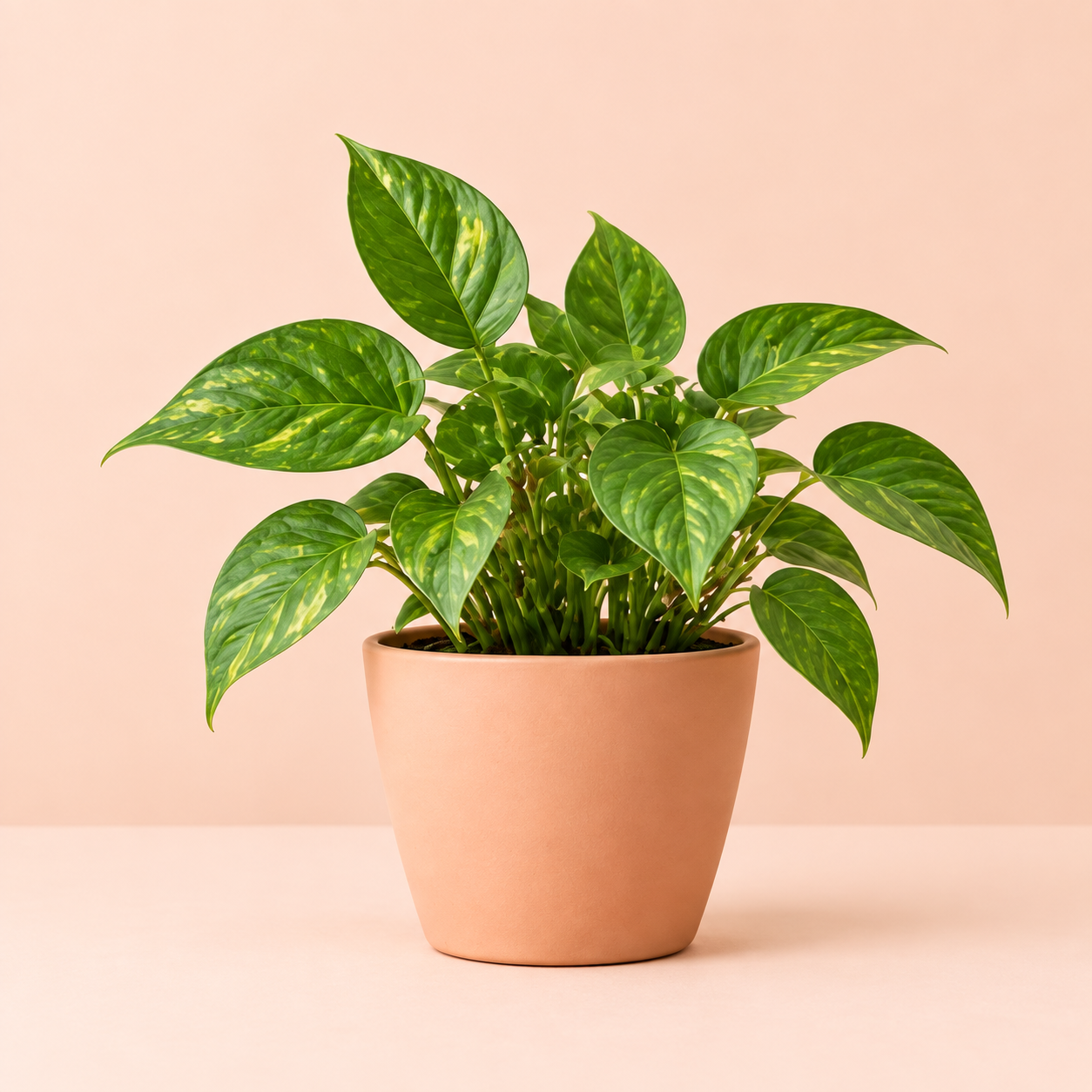
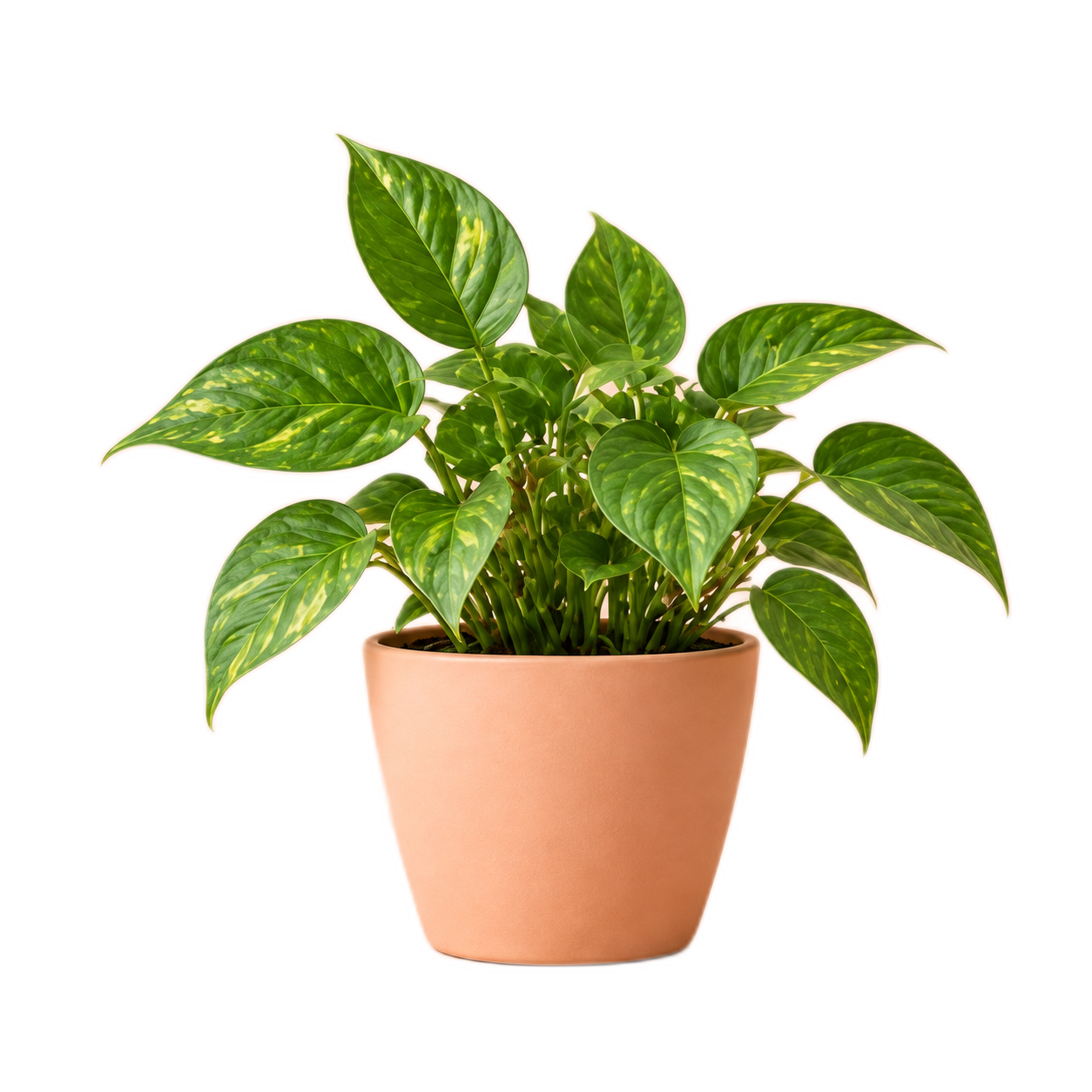
Potted green plant with its background removed Original potted plant on a peach background Original Background removed
  1. 01Upload a photo
  2. 02Remove the background
  3. 03Download your PNG

A little less background.
A lot more possibility.

  1. Choose your photo. Upload a still JPG, PNG or WebP, up to 10 MB and 20 megapixels. You can also copy an image and press Ctrl+V (Windows) or ⌘V (Mac), or select “Paste an image”. Your browser may ask for clipboard permission when using the button.
  2. Let us do the cutting. Background removal starts automatically. Drag the comparison slider to check the result.
  3. Keep your cutout. Download a PNG at your photo’s original dimensions, with a transparent background and no watermark.

Clear subjects work best. Fine hair, glass and busy backgrounds can need a little extra editing afterwards.

Photos are processed on this server. Temporary upload and download files are removed when the request ends; photos aren’t kept in a gallery or sent to an outside AI service. Photo metadata, including location data, is removed from downloads.